Golf Genius Live Scoring

We’re using Golf Genius to keep score and show live results this year. Download the Golf Genius mobile app using the appropriate link below:


Look for a handy how-to sheet in the programs in each golf cart.
How to use Golf Genius
1
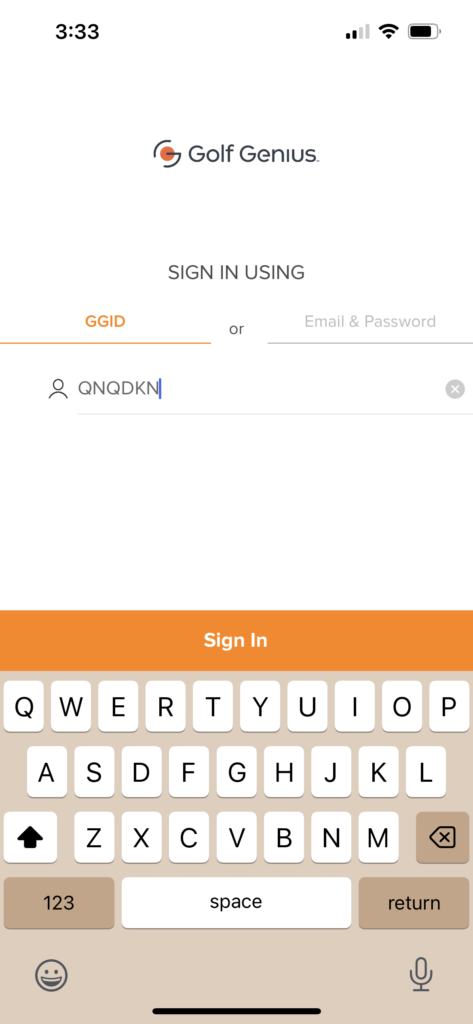
Open the app, which will ask for a GGID #.

2
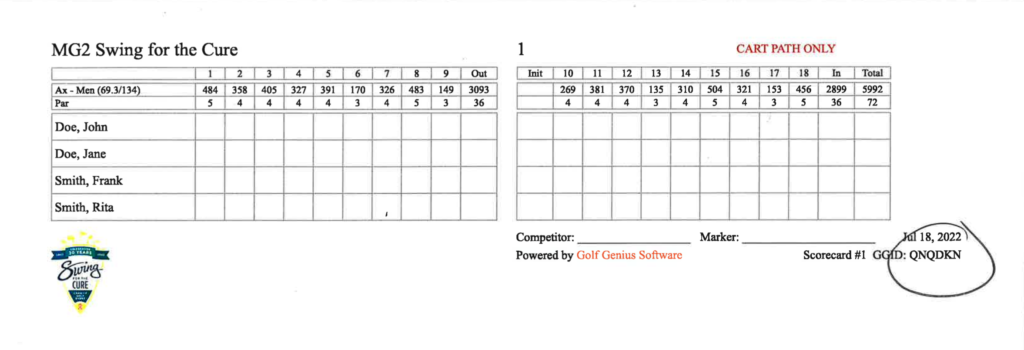
Enter the GGID # found in the bottom right of your score card.
3
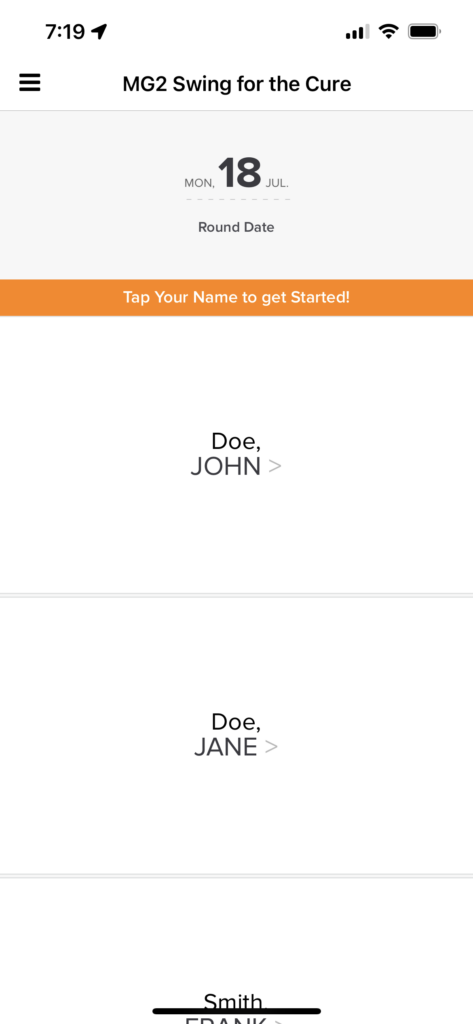
The app will show your foursome group. Click on your name.
4
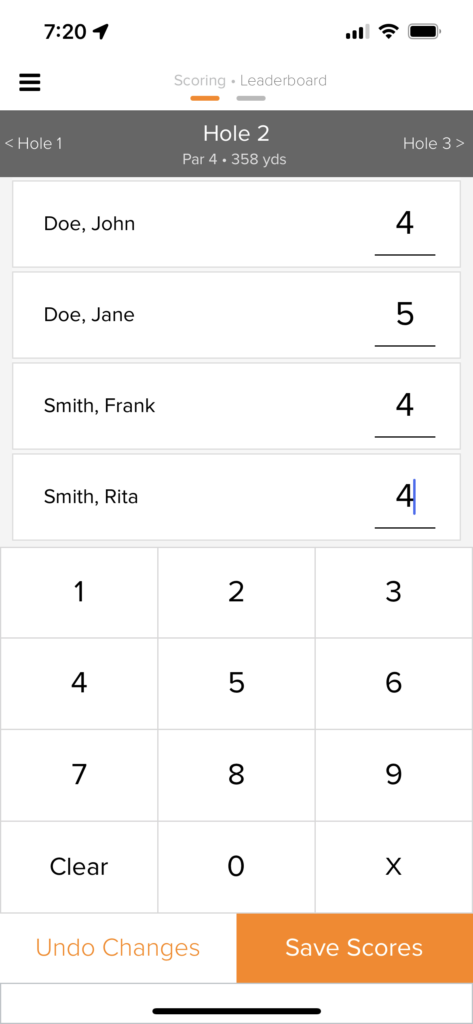
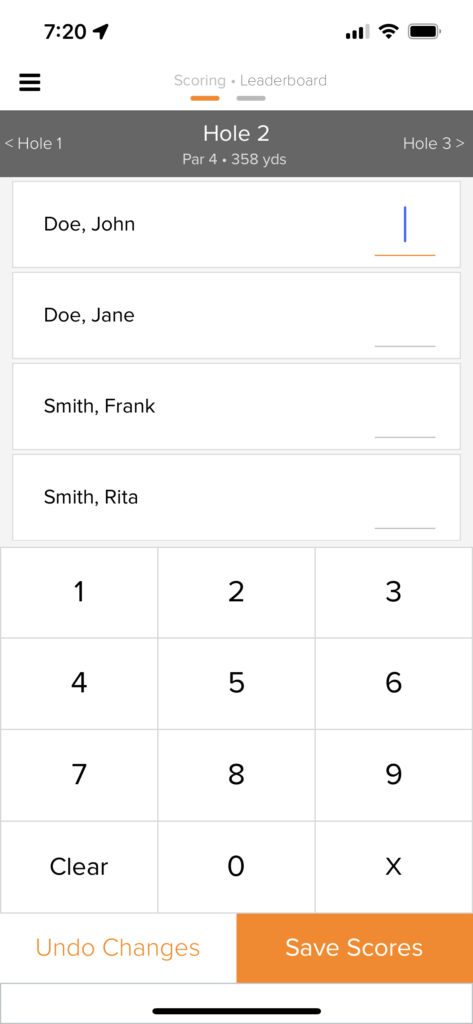
Enter the scores for your team for each hole.
5
Click “Save Scores” to save and be taken to the next hole.